Compare
Mobile Pixels vs Xebec
Find the right monitor for you.
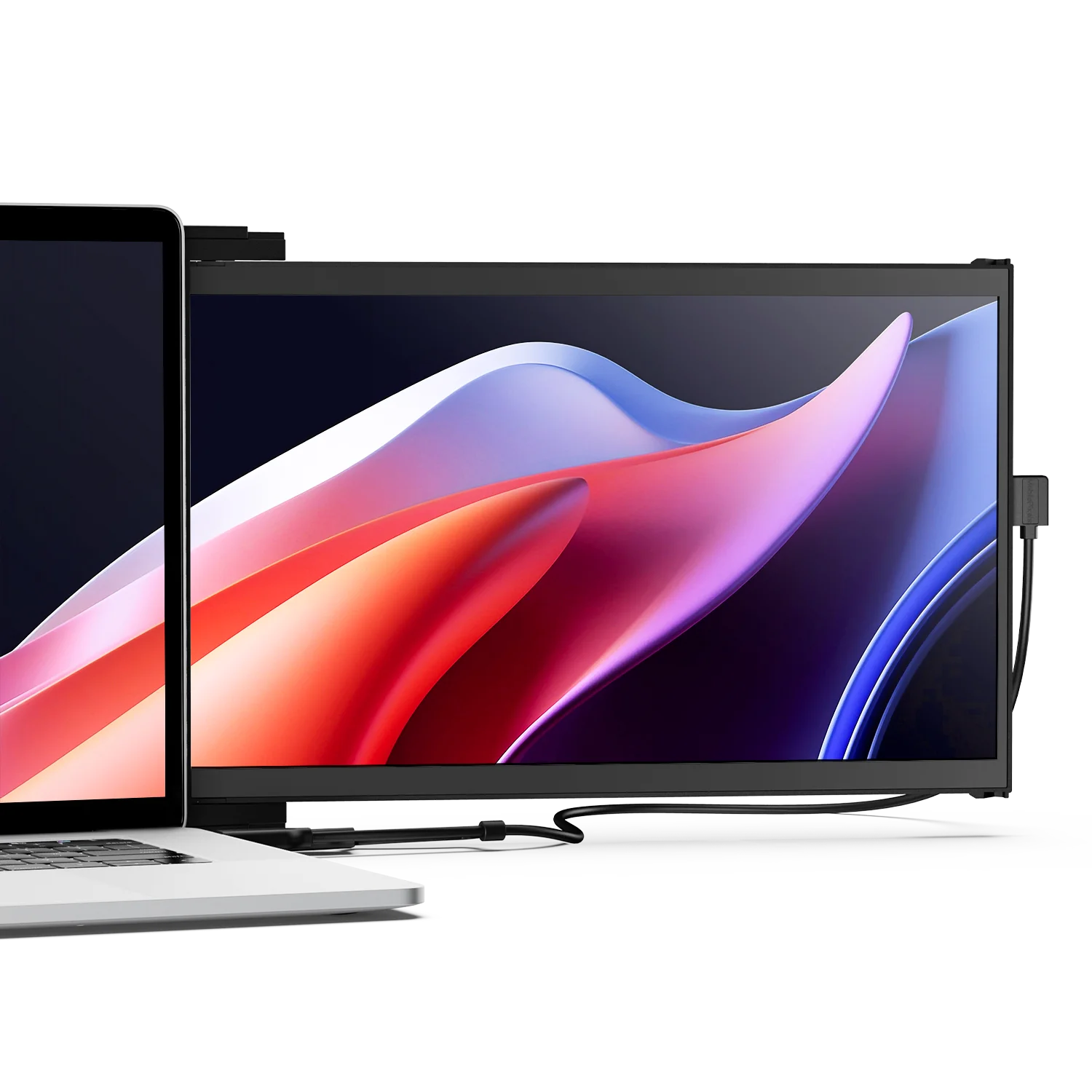
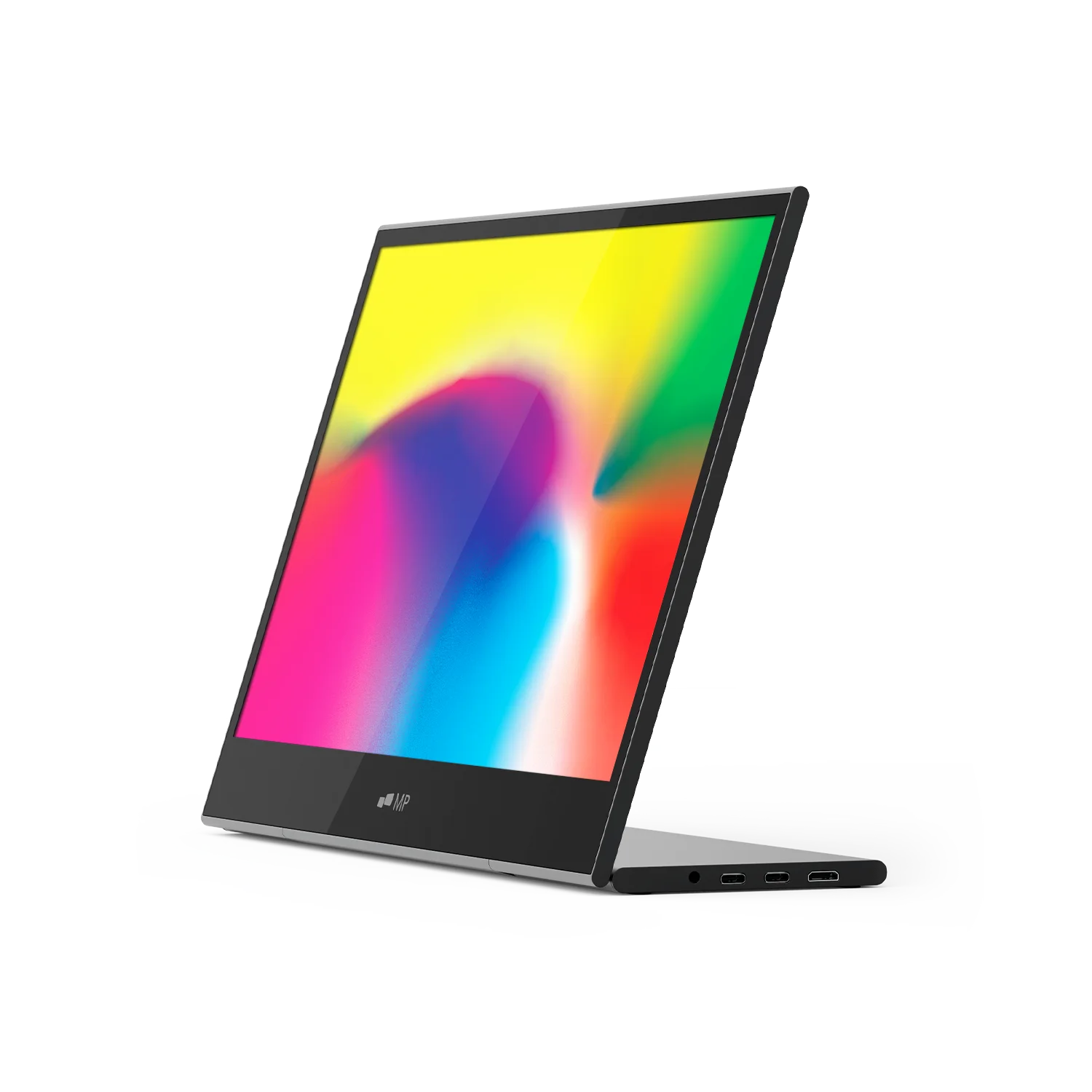
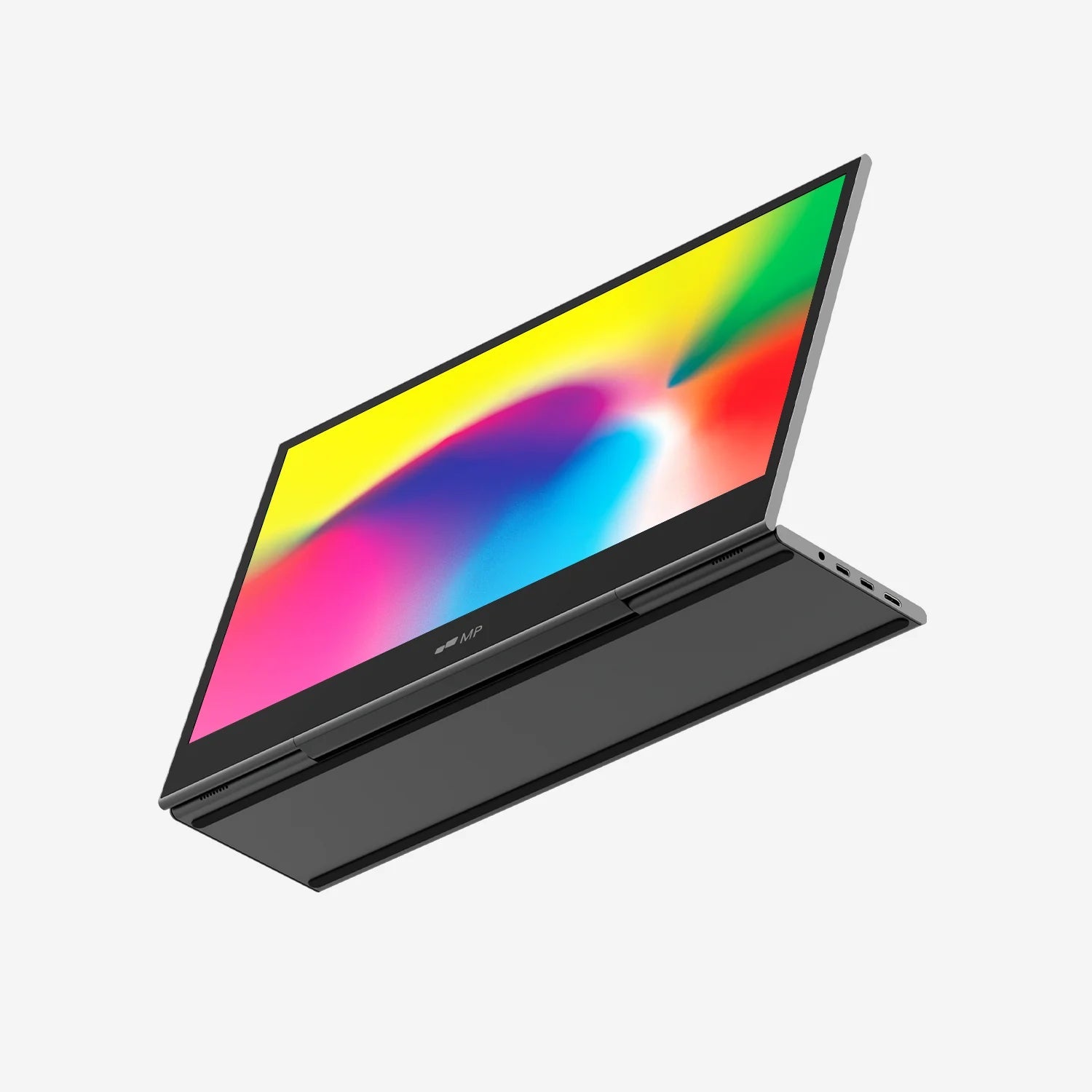
Want to know the differences between Xebec vs Mobile Pixels? Compare the Tri-Screen from Xebec vs Trio from Mobile Pixels and discover the right monitor for you.


The Tri-Screen 3
14.1-inch
13.3-inch
2240 × 1400 QHD
1920 x 1080 FHD
4.13 lbs
3.6lbs
8.83" × 13.44" × 0.9" (Folded)
8.83" × 40.25" × 0.9" (Unfolded)
1.7" x 12.7" x 7.6" (Folded)
16:9
16:9
2 × Type-C ports (single-cable setup)
1 x USB-C port (single-cable setup)
Windows
MacOS
ChromeOS
Linux
Nintendo Switch
Android (Samsung Dex)
Windows
Mac (Adapter required, sold separately)
ChromeOS
Linux
Optional magnets and built-in kickstand
Built-in aluminum kickstand
Landscape mode
Presentation mode
Portrait mode
Collaboration mode
Landscape mode
Presentation mode
14.1-inch
2240 × 1400 QHD
4.13 lbs
8.83" × 13.44" × 0.9" (Folded)
8.83" × 40.25" × 0.9" (Unfolded)
16:9
2 × Type-C ports (single-cable setup)
Windows
MacOS
ChromeOS
Linux
Nintendo Switch
Android (Samsung Dex)
Optional magnets and built-in kickstand
Landscape mode
Presentation mode
Portrait mode
Collaboration mode
The Tri-Screen 3
13.3-inch
1920 x 1080 FHD
3.6lbs
1.7" x 12.7" x 7.6" (Folded)
16:9
1 x USB-C port (single-cable setup)
Windows
Mac (Adapter required, sold separately)
ChromeOS
Linux
Built-in aluminum kickstand
Landscape mode
Presentation mode
Use cases
Learn what sets Mobile Pixels apart from other portable monitors.
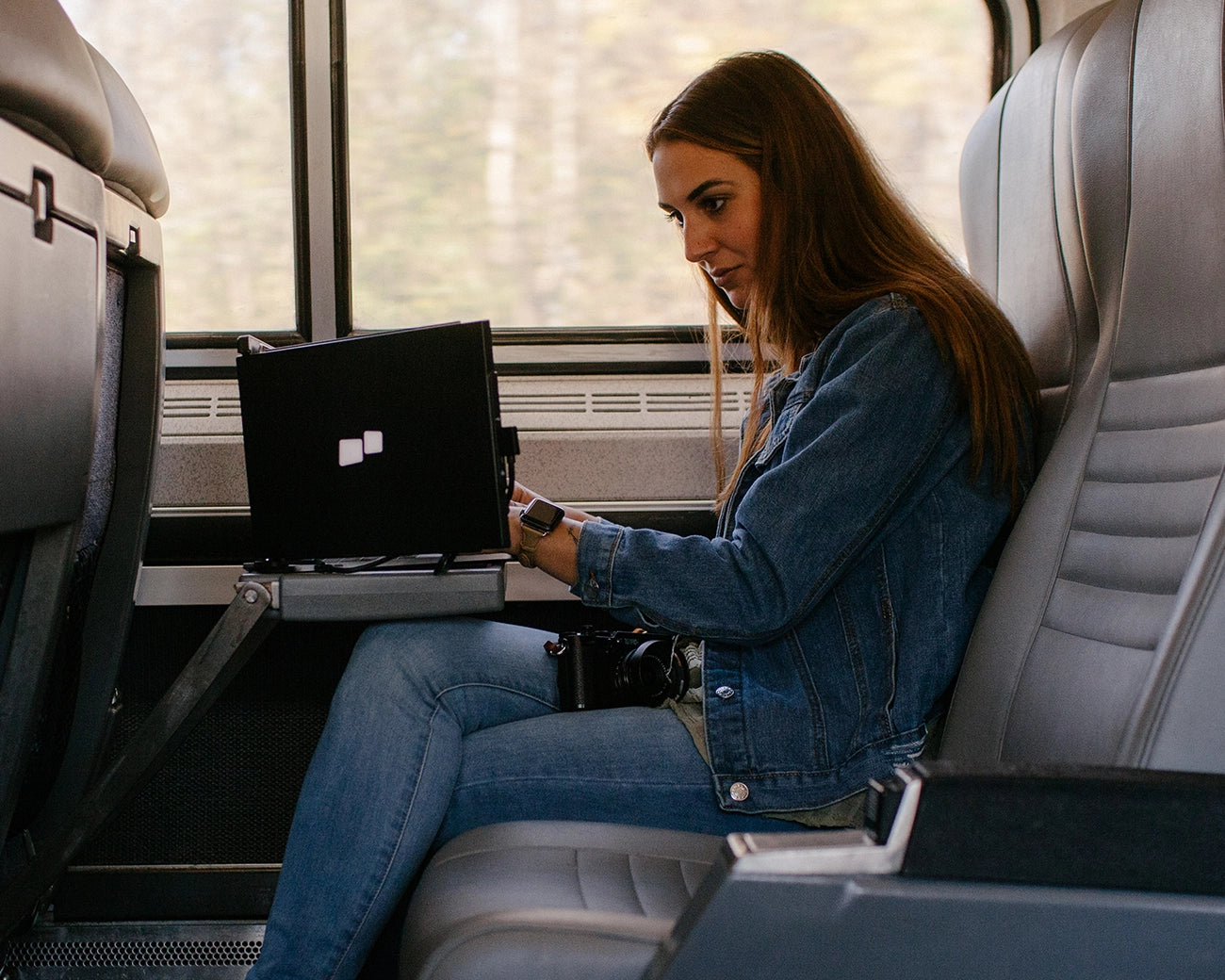
Traveling
The Trio is more portable than the Xebec tri-screen.
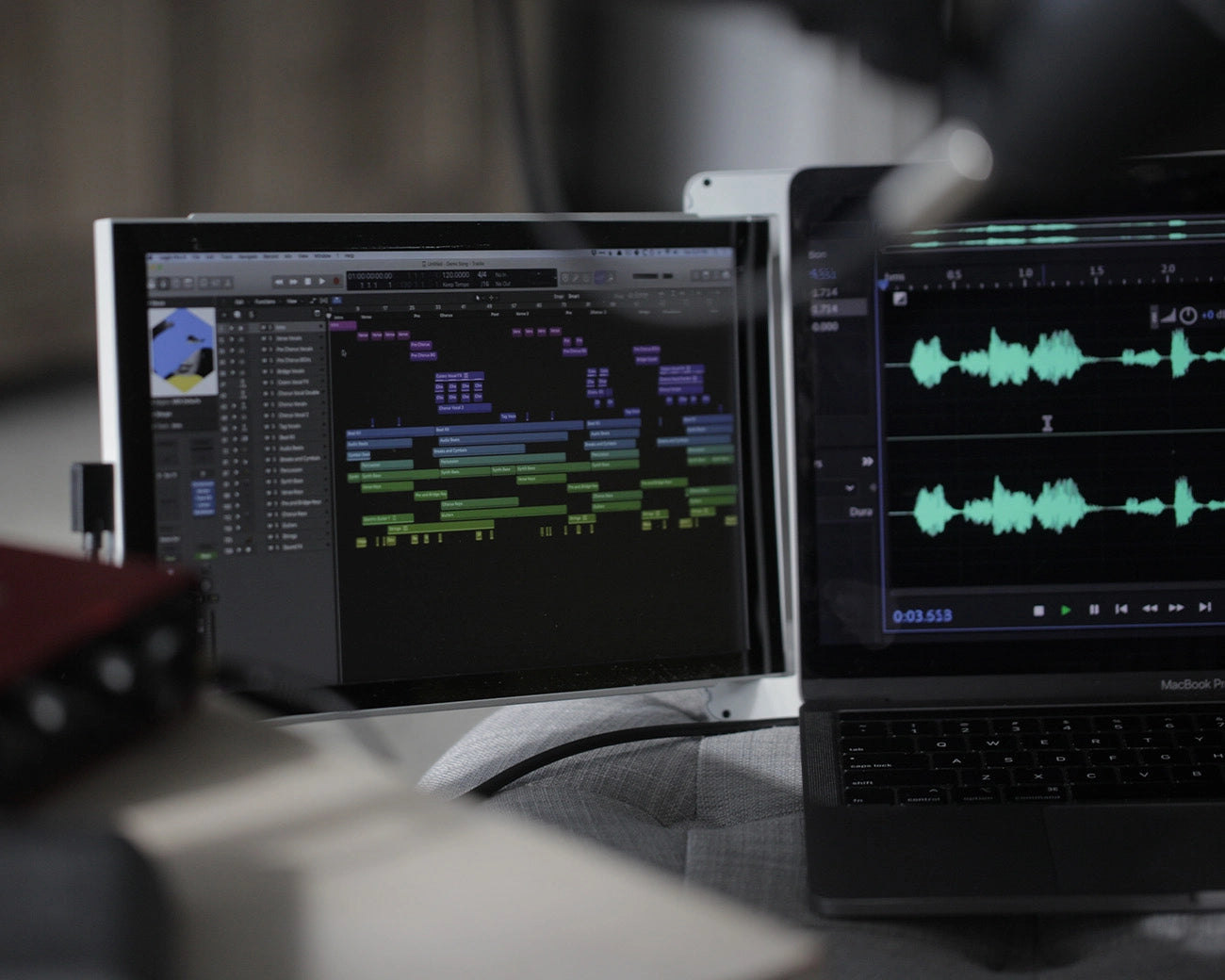
Creating
The Trio offers a larger screen size for maximum creativity & productivity.
Shop all portable monitors